leanrea reverse engineers binaries with 60 percent fewer tokens than REA
A new Claude Code skill for binary reverse engineering ran the same four tasks as REA in 38 percent less wall time and 60 percent fewer tokens, by dropping the MCP layer and letting the agent run plain CLI tools.
Image: GitHub
Why it mattersAn 8 KB prompt that is cheaper and faster than a tooled MCP server asks whether every AI feature needs its own server, or whether a short list of commands and when to use them is enough.
Pulling apart a stranger's binary with a coding agent is slow because the agent has to try one tool, read the output, pick the next one, and keep going. A new 315-star Claude Code skill called leanrea claims it is faster if you stop giving the agent extra tools and just tell it which command to run.
The skill is 8 KB of plain text and no MCP server. It lives in ~/.claude/skills/ and lists, for each kind of file an agent is likely to meet, the single CLI command that works best: nm and otool for a native binary, asar for an Electron app, go version -m for a Go buildinfo header, wasm-objdump for WebAssembly, apktool for an Android APK. The skill is MIT licensed and was published by GitHub user aicodeking.
The benchmark
The author ran leanrea against REA, the Reverse Engineer Anything project at morluto/rea. REA puts an MCP server between the agent and the same tools. The test used Claude Code in headless mode on Claude Sonnet 5.5, running four reverse engineering tasks three times each on three setups, 36 runs in total. The tasks were analysing an Electron app, finding the exports of a native addon, pulling the module list out of a Go binary, and working out a socket protocol from disassembly.
leanrea's own numbers, published in the repository README: 388 seconds of wall time against REA's 627 seconds, $2.17 of API spend against $3.36, 55 turns against 124, and 2.40 million tokens against 5.93 million. The accuracy was close: leanrea answered 74 of the 75 scored items correctly and REA answered all 75.
Where the saving comes from
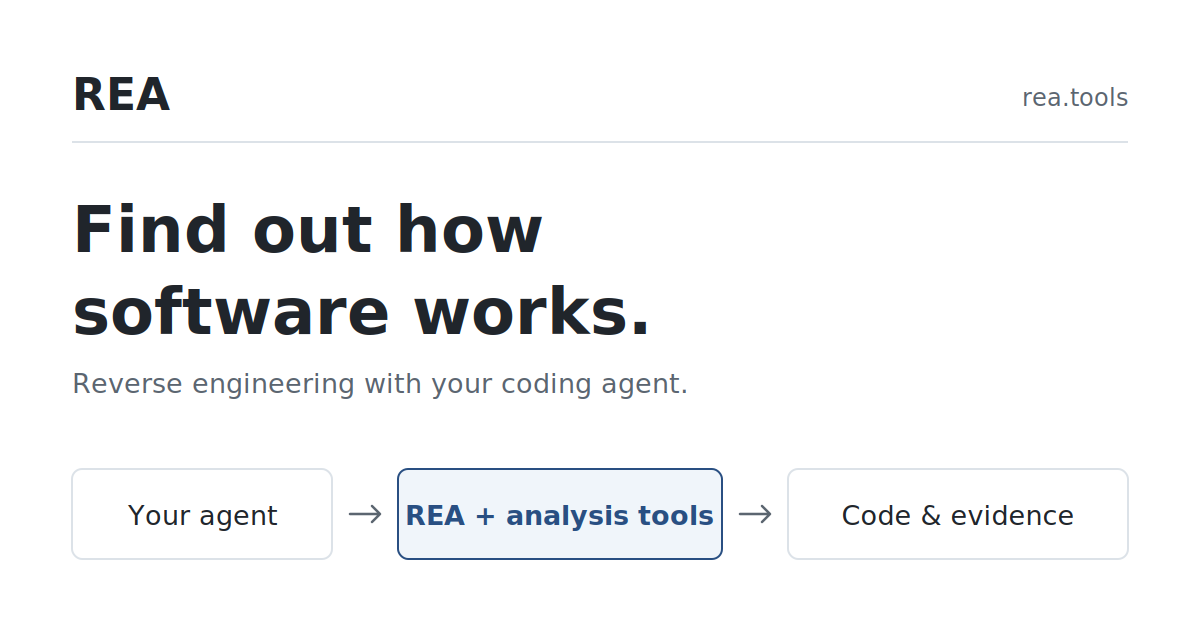
Both setups ran the same CLI tools in the end. The difference is what sits between the agent and those tools. REA's MCP server adds a schema, an input validator, a tool-call round trip, and a formatted response for every command the agent runs. On an easy question like "what does this binary export" the formatting costs more than the command. leanrea skips all of it and asks the model to invoke the command through Claude Code's built in shell.
The skill does not install the tools. It assumes they are on the system and names the Homebrew or apt package when they are not. That makes it a thin layer: anyone can read the full prompt in a few minutes, and anyone can write the same thing for a different domain.
The author of the skill picked REA for the comparison because REA is the better-known project. Both run under the same model, with the same shell, in the same working directory. A reader who wants a prompt and nothing more can paste leanrea into any agent's system prompt without the skill tooling.
Source
aicodeking/leanrea, MIT licensed, with the benchmark scripts and the raw per-run output. morluto/rea, the project it was compared against.
This item was written by an AI system from the linked source. Reveneau is responsible for what it publishes.
Get AI News in your inbox
New developer tools, model and agent releases, and how teams are actually using them to release software. Short, and only when there is something worth reading.