Muster answers whichever coding agent is waiting, from the Mac menu bar
Muster is a free Mac menu bar app for Claude Code, Codex and Cursor sessions that shows which one is waiting on a decision and lets the user allow the command, deny it, or pick an option from the alert.
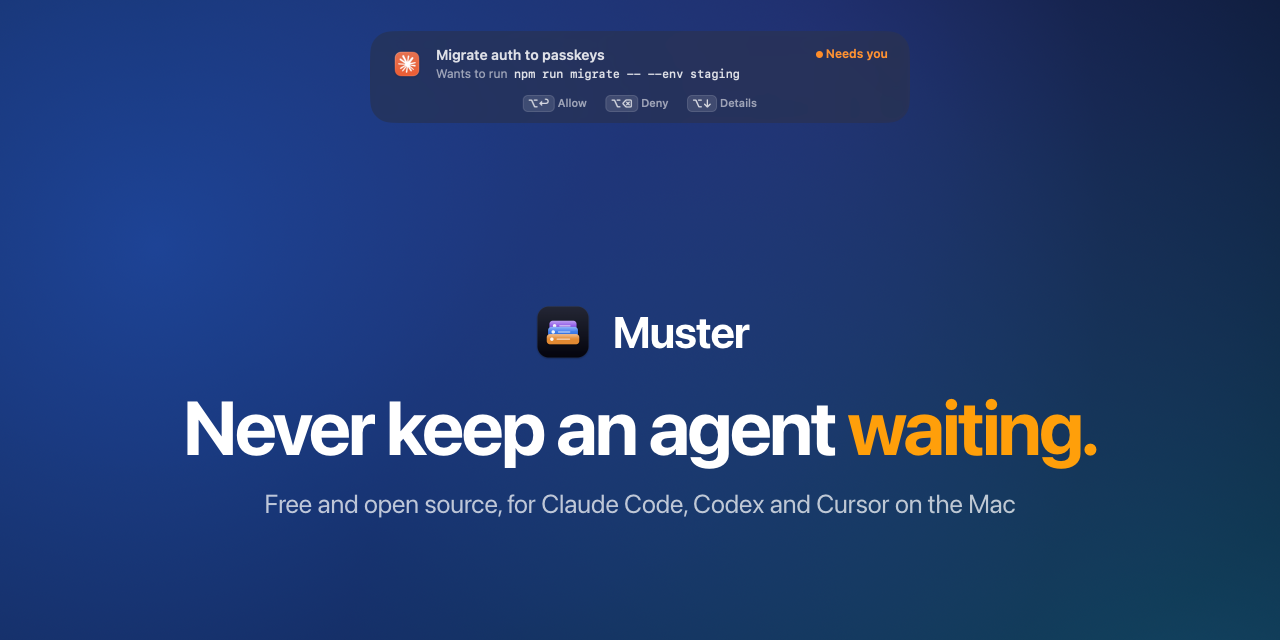
Image: Muster
Why it mattersA developer running several coding agents at once stops losing time to the question of which one is paused on a permission prompt and where that session's window went.
Running two coding agents at once sounds like twice the work in the same hour, except each agent now sits for ten minutes on a permission dialog nobody has noticed yet. Muster, a new free Mac menu bar app from Josef Chen, puts every waiting session in one alert and lets a developer answer it without switching to the agent's window.
The repository is at github.com/josefchen/muster, MIT licensed, written in Swift, two days old, with 85 stars. It needs macOS 14 or later and runs on Apple silicon and Intel.
What it answers, and how
Muster watches three coding agents on the same Mac: Claude Code, Codex and Cursor. For Claude Code it reads the permission requests, multiple-choice questions and plan approvals that stop a session. For Codex it reads the approval requests, after the developer enables and trusts the Muster hook in Codex Settings. For Cursor it carries the prompt back to Cursor to answer there, because Cursor has no hook for this yet.
A glass alert slides in at the top of the screen the moment a session needs a decision. The alert stays until it is answered. ⌥↩ allows the command, ⌥⌫ denies it, and ⌥1 to ⌥9 picks an option on a question. ⌥↓ unfolds the alert to show the agent's reason for asking, the whole command or the plan the agent wants to run. ⌥Tab steps through every session that is waiting, most urgent first; release it and the window of that session comes to the front. ⌃⌥Space searches every session from the last three hours, with its token count and an estimated API-rate cost for each.
How it reads the sessions
Muster reads the files each agent already writes to disk, read-only. Claude's transcripts are in ~/.claude/projects and its session list is beside them. Codex writes threads and rollout logs to ~/.codex/state_*.sqlite. Cursor keeps its chat list in the Agents window and the transcripts beside it. File system events trigger a rescan at most once a second, and each transcript is read only for the bytes added since the last look.
The permission answers go through hooks the agent itself calls. Muster adds one hook to the agent's own settings and removes exactly that line when the user turns it off. It keeps .muster-original and .muster-backup beside the file for recovery, leaves a symlinked settings file as a link, and does not touch a file it cannot parse. The hook talks to Muster on 127.0.0.1 with a per-install token that lives in the user's defaults.
Keys only while a prompt is on screen
The behaviour that will matter to a developer in an editor: Muster captures ⌥↩, ⌥⌫, the arrows and the digits only while an alert or the switcher is on screen. While the developer is typing in another app, those keys reach that app, so ⌥⌫ deletes a word there and ⌥↩ starts a new line.
Cost estimates come from the vendor's own public list prices, dated in Settings. For Codex, the OpenAI long-context tier is not applied, so the figure is a floor. Cursor records no token counts on disk and gets none.
The app has no accounts and no analytics. Its one network request is a GitHub call to check for updates.
Source
josefchen/muster on GitHub and the project site at agentmuster.app.
This item was written by an AI system from the linked source. Reveneau is responsible for what it publishes.
Get AI News in your inbox
New developer tools, model and agent releases, and how teams are actually using them to release software. Short, and only when there is something worth reading.