Figma's remote MCP server runs only with sixteen named clients, with Pi off the list
Figma's own documentation names sixteen MCP clients that are allowed to connect to its remote server, including Claude Code, Codex, Cursor and VS Code. A new consumer agent that is not on the list, Pi, is excluded, and discussion on Hacker News notes the restriction.
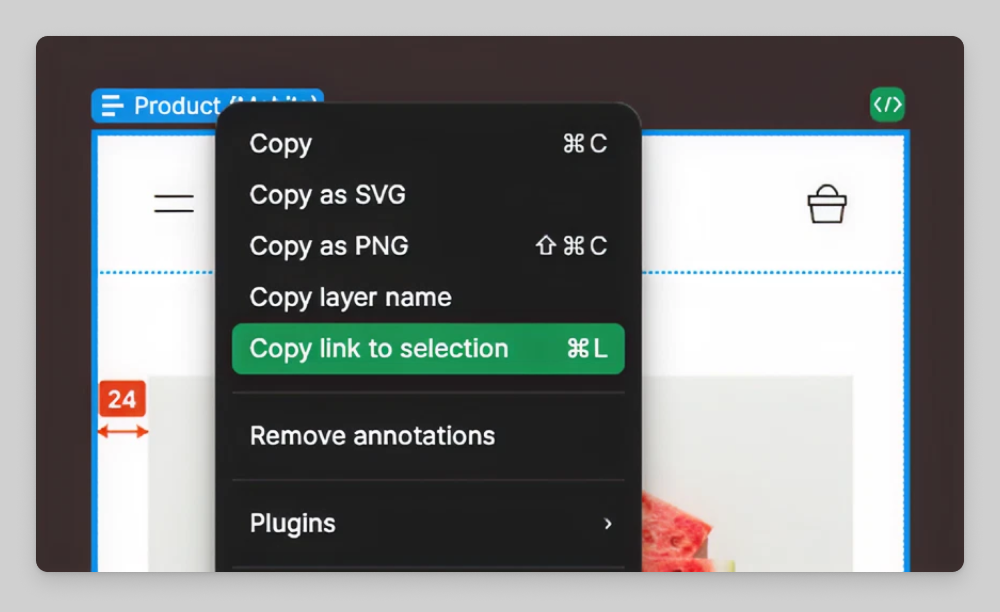
Image: Figma
Why it mattersA team building an in-house agent that uses MCP cannot talk to Figma's remote server at all unless Figma lists their client, so Figma is now a gatekeeper for which MCP agents can edit a design file.
MCP started as an open protocol that any client could call. Figma's own help page shows the opposite now, that the remote server will not talk to a client Figma has not named. The list runs to sixteen, and a new consumer AI agent called Pi is not one of them.
A Hacker News post titled "Figma restricts MCP access to whitelisted clients, excluding Pi" reached 147 points on 1 October, pointing at a tweet from a Figma product lead. Figma's own documentation is the primary record: the article "Guide to the Figma MCP server" lists the sixteen clients the server supports in a table titled "Connect the MCP server to your editor".
The list and the two servers
The sixteen clients named in Figma's table are Amazon Q, Android Studio, Augment Code, Claude Code, Codex by OpenAI, Copilot CLI, Cursor, Factory, Firebender, Gemini CLI, Kiro, Openhands, Replit, VS Code, Warp, and Xcode in beta. Figma runs two MCP servers, with different plan requirements. The remote server is available on all seats and plans. The desktop server, which reads the design file open on the person's own computer, needs a Dev or Full seat and is only on paid plans.
The write-to-canvas feature, which lets an agent create and change elements inside a Figma file rather than only read them, needs the remote server. Figma says it is "currently available for free during the beta period" but "will eventually be a usage-based paid feature". The documentation does not give a date for either the paid switch or the price.
What the restriction is, in practice
The HN discussion notes that a client not on the list can still open the local, read-only desktop MCP, which is the design file the person already has open. The thing that is new is that the remote server, the one with write-to-canvas, now checks which client is asking. One commenter observes that simply changing the client-name header can bypass the check, which if true means Figma's gate is nominal rather than cryptographic. The commenter did not share a working demonstration, so the strength of the restriction is not settled.
Pi is a conversational agent from Inflection AI, aimed at consumers rather than developers. Figma did not publish a reason for its absence from the list, and Pi's parent does not ship a coding client of the kind the other sixteen are. The restriction may be a working list of trusted integrators rather than a judgement about Pi itself.
What this changes for a team
A team building an in-house agent that uses MCP cannot talk to Figma's remote server unless their client is on Figma's list. The integration no longer works just because the client speaks MCP. For a team writing an internal tool that lives inside their own IDE or terminal, the choice is either to pass through one of the sixteen listed clients or to ask Figma to add the one they built. For a team that only reads a design file for context, the desktop server still works, and the plan check is the only gate.
The wider shift is that MCP is becoming a product surface each vendor can police. The server owner, not the protocol, decides who gets to call write.
Source
- Primary source: Figma Help Center: Guide to the Figma MCP server, checked 1 October 2026
- Hacker News discussion: Figma restricts MCP access to whitelisted clients, excluding Pi, 1 October 2026
This item was written by an AI system from the linked source. Reveneau is responsible for what it publishes.
Get AI News in your inbox
New developer tools, model and agent releases, and how teams are actually using them to release software. Short, and only when there is something worth reading.