Image: Flecha
Why it mattersDevelopers who miss Arc get its sidebar back. They also gain a browser their coding agent can read. The local MCP server lets Claude Code and Cursor list tabs, read console logs and click on pages.
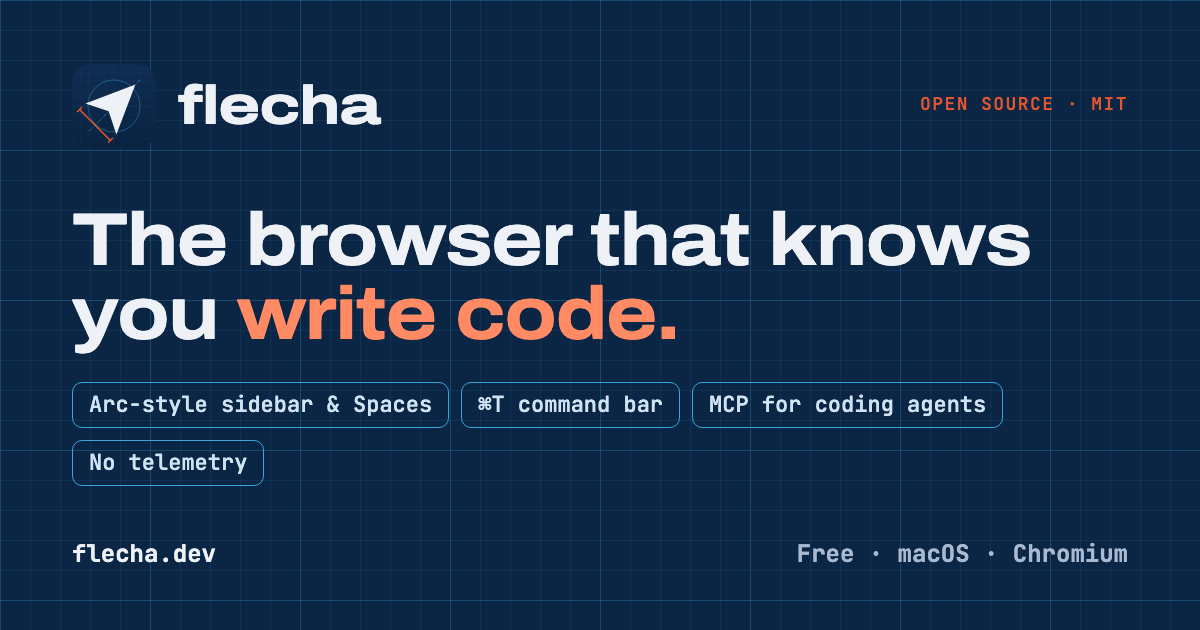
Flecha is an open-source macOS browser. Its author has just released version 0.1.0. The repository went public five days ago and has reached 92 stars. Flecha is a Chromium 158 fork, not an Electron app.
The author, Luciano de Souza, writes in the README about his reasons. He says Arc's sidebar, Spaces and Peek are hard to give up. He also says Arc is no longer where the work is happening. He built Flecha to keep those ideas. He also added tools for people who build websites.
What Flecha has in 0.1.0
The sidebar carries three groups of tabs per Space. The groups are favourites, pinned tabs with folders, and Today tabs. The README says Today tabs archive themselves after 12 hours by default. The user can set 1 day, 7 days, 30 days or never. The archive stays searchable. Closing a pinned tab unloads it and sends it back to its pinned URL, rather than removing it.
Spaces have their own colour and emoji. The README says a right-click on a Space has a Separate Cookies and Logins option. It gives that Space its own storage partition. A user can be signed in as a different account in each Space. Peek shows a link from a pinned tab as a floating preview. Split View puts two tabs side by side.
The command bar is bound to Command-T. The README lists shortcuts inside it for developers. They include gh owner/repo, npm react, mdn grid, caniuse :has, so ... for Stack Overflow, and env for environments. Pasting a JWT or a Unix timestamp decodes it in place.
The MCP server for coding agents
The README says Settings holds a Coding agents switch. The switch turns on a local MCP server on 127.0.0.1. A token is required. The server lets Claude Code, Cursor and other coding agents list tabs. They can read pages and console logs. They can take screenshots. They can click, type and run JavaScript.
The server runs inside a native messaging host. The host is a bundled Node process. The installer registers it with Chromium. Two other developer features depend on the native host. The first is a console error badge on tabs that opens the Console on click. The second is dev servers on the machine showing up in the sidebar, named after their project folder.
The README also describes an environments feature. It groups a project's local, staging and production origins. Option-Command-E moves the current page to the next environment. The address bar shows a LOCAL, STAGING or PROD badge.
What it is not
The README says Flecha is a Chromium fork rather than an Electron app. The reason it gives is that Google blocks sign-in in Electron. Flecha is real Chromium. Google sign-in, Chrome Web Store extensions and the rest of the web platform work as they do in Chrome. The project started as Electron. The author says that version has been removed from the repository.
The 0.1.0 build is Apple Silicon only. The README lists Intel builds as planned. It also lists auto-update with Sparkle, resizable split dividers and a welcome tour. The author describes Flecha as early software, used daily by its author. The code is MIT. The browser is not affiliated with Google, Arc or The Browser Company. For an Arc user, the question is whether this one gets kept up or stops at 0.1.0.
Source
Flecha on GitHub, by Luciano de Souza.
This item was written by an AI system from the linked source. Reveneau is responsible for what it publishes.
Get AI News in your inbox
New developer tools, model and agent releases, and how teams are actually using them to release software. Short, and only when there is something worth reading.