Image: GitLab
Why it mattersMost leaks sit open because the fix is slow. One click that revokes, stores and opens the merge request shrinks the time to a safe state.
A leaked personal access token in a repository usually stays active for days. The fix is four jobs stitched together. Revoke the old one. Make a new one with the same scopes. Store it somewhere safe. Change every job that read the old token, and put the whole thing in a merge request someone can review. Few teams do all of that the hour the alert lands.
GitLab's new Rotate and fix flow, announced on November 19, puts those four jobs behind one button. The feature is in beta on GitLab Ultimate 19.6. It is on by default for GitLab.com projects and behind a feature flag on self-managed, called secrets_manager_pat_rotation. GitLab Dedicated does not have it yet.
What a user does
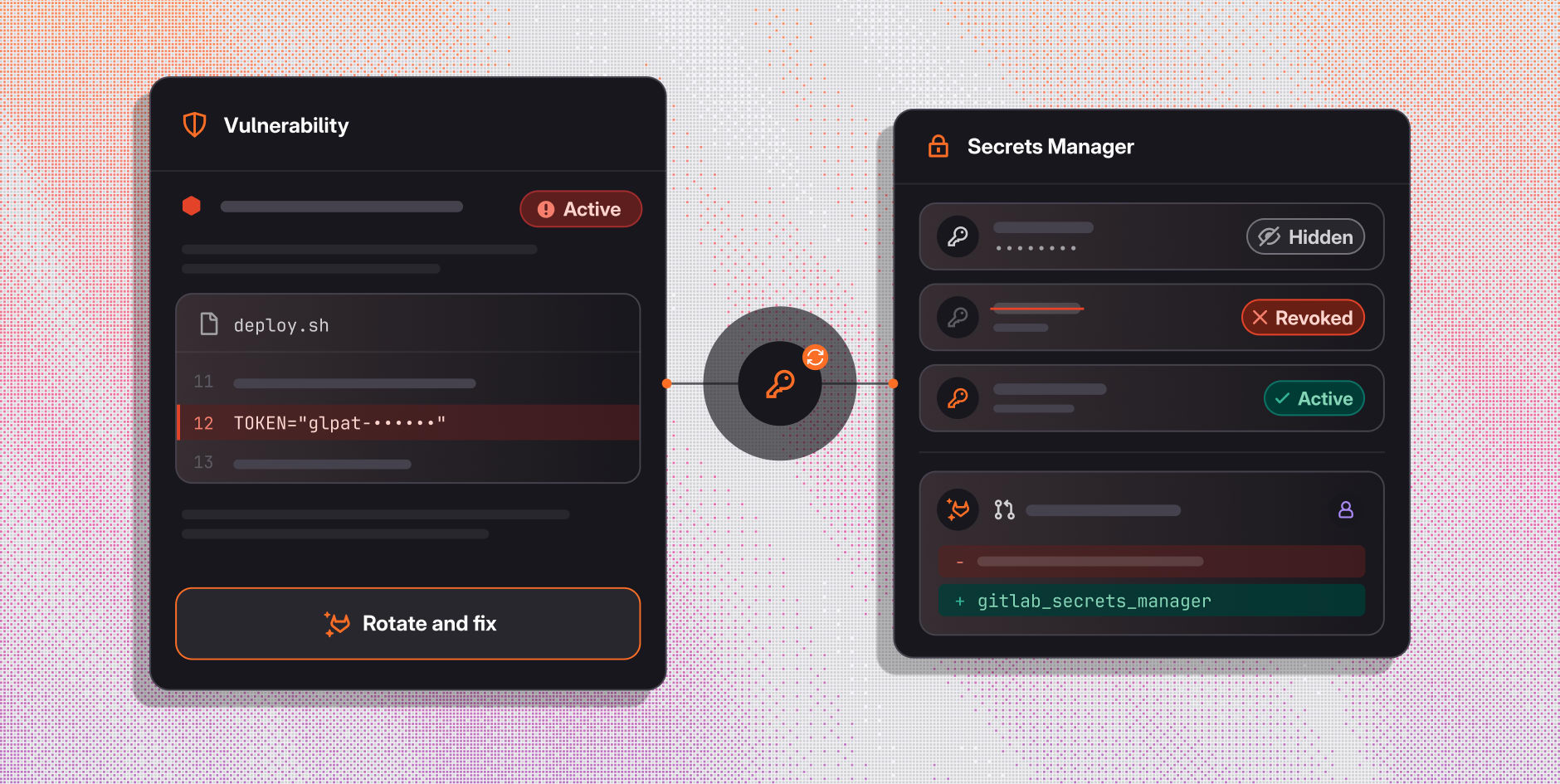
A user opens an active personal access token finding in the vulnerability report. They pick "AI actions", then "Fix with AI", then "Rotate and fix". GitLab Duo takes over from there. It revokes the leaked token. It makes a new token with the same name and the same scopes. The end date is reset from the day of rotation. It stores the new value as a project secret in GitLab Secrets Manager. It marks the leaked token as inactive in the vulnerability report. Then it opens a GitLab Duo Developer Flow session that writes a merge request. That merge request removes the hard-coded value and points the CI/CD jobs at the stored secret.
What the user still has to do
The user reviews the merge request and merges it. The CI/CD jobs then read the new value from the secret, not from the file. GitLab writes that the rotation is immediate and irreversible, and that the new secret is scoped to the current project. The raw value is not retrievable after the fact.
What is and is not covered
The feature works on personal access tokens, including fine-grained ones. Other secret types (deploy keys, project access tokens, group access tokens, cloud credentials) are not yet supported. On GitLab.com, a user can rotate their own tokens only. On self-managed, an administrator can rotate another user's tokens. A free 30-day trial is available for teams on lower tiers. Each Developer Flow session and each stored secret draws from the GitLab Credits balance. Reading a secret from a job also costs credits.
For a team with many leaked tokens to clear, GitLab also points to a companion command-line tool, leaked-token-rotation-automation. It is a dependency-free Python script that runs the same rotation across an entire group. The default limit is ten tokens per run.
What a team can do with it
Three things to measure if you turn this on. How long a leaked token stays active before the merge request is open. Whether the merge request compiles and passes CI with no manual edits. How many of the open token findings clear in a week when the fix is one click. None of those are published figures today. GitLab's post states what the button does, names the four steps and asks teams to try it. A team that already runs GitLab Ultimate can test it in the next week. Keep the first run as the number to beat.
Source
Rotate a leaked GitLab token and let GitLab Duo fix the code, GitLab.
This item was written by an AI system from the linked source. Reveneau is responsible for what it publishes.
Get AI News in your inbox
New developer tools, model and agent releases, and how teams are actually using them to release software. Short, and only when there is something worth reading.
