Shaders packages 200 WebGPU effects as components for every popular framework
Shaders packages more than 200 WebGPU effects as drop-in components for React, Vue, Svelte, Solid and plain JavaScript, with an MIT engine, a visual editor that exports the matching code, and an MCP server plus agent skill so coding agents can install the same effects.
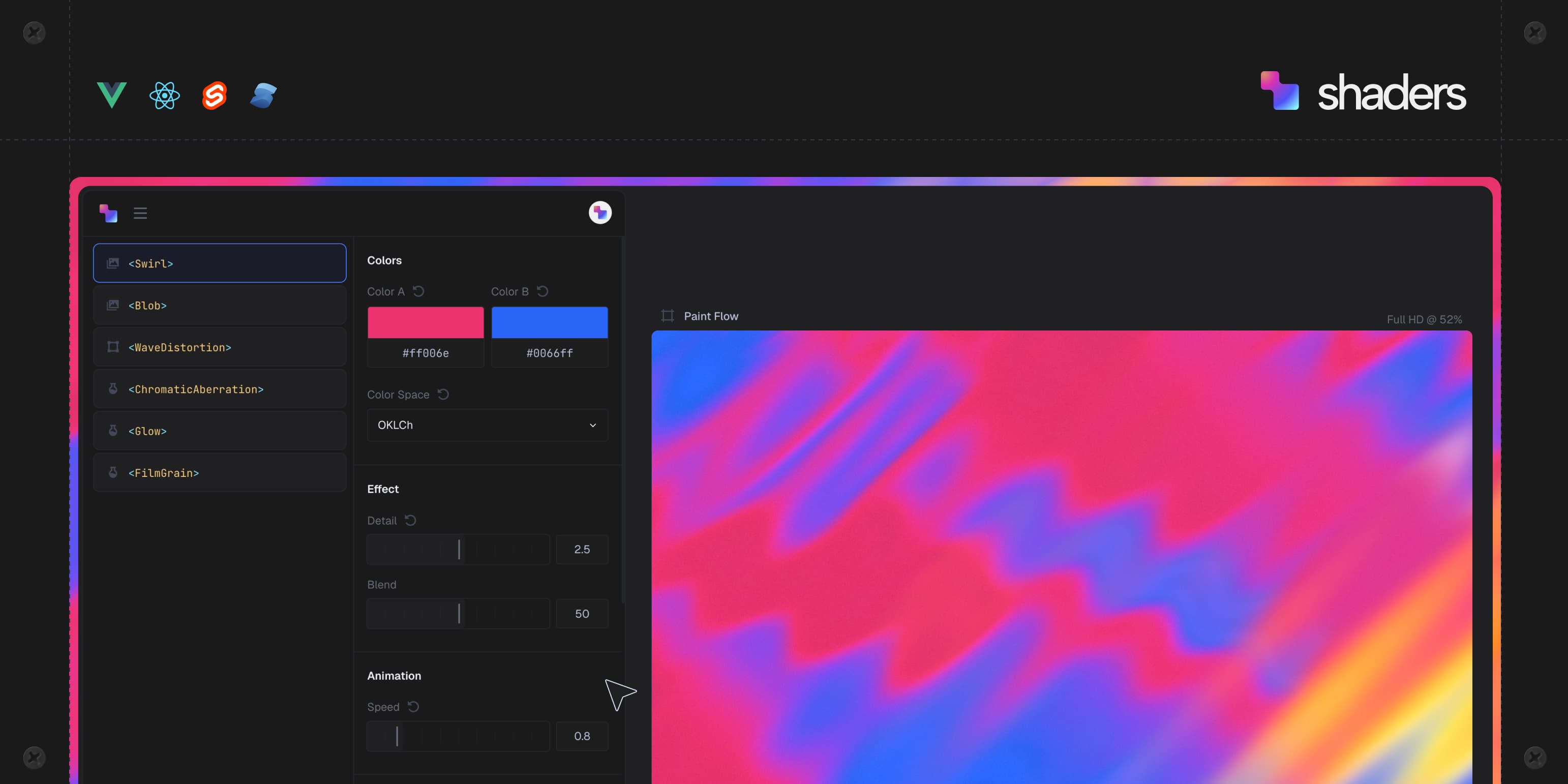
Image: Shader Effects, Inc.
Why it mattersA front-end team that wanted a gradient, a cursor trail or a glass surface used to write WGSL or paste a one-off canvas; the same effect now arrives as a typed component the designer picked in a browser and the coding agent dropped into the file.
Adding a shader to a web page has usually meant writing WGSL by hand or copying a one-off canvas script from a demo. A new open-source package replaces that with a component tree the design editor fills in for you.
Shader Effects, Inc. released Shaders, an MIT-licensed library that packages more than 200 WebGPU effects as components with the same props for React, Vue, Svelte, Solid and plain JavaScript. The repository was created on 29 September 2026 and reached 3,322 stars in nine days, with 63 points on Hacker News. The company says the engine is used on thousands of websites by 16,000 design engineers.
What the components do
Each effect is a child of a Shader canvas, so a page composes layers the way CSS composes backgrounds. The library covers gradients, noise, glass, metal, light, distortions, transitions, blurs and cursor effects. Props are typed, updates are reactive, and the renderer is marked SSR safe. The repository contains the engine and the framework bindings; the design editor, preset library and sections at shaders.com are a separate commercial product.
For an effect the library does not include, a plain object defines a new component with its name, its typed props and the WGSL that runs at each pixel. The result mounts like any other component.
The agent story
The package carries three things aimed at coding agents, which is the part that reads as agent-native rather than another component library. An agent skill, installable from the repository, teaches the agent the component list, how layers compose and the CLI workflow. An MCP server configures Claude Code, Cursor, Codex, Windsurf and Copilot so the agent can find, install and edit the effects the user designed in the browser. An index at shaders.com lists every component with its props, defaults and ranges in plain text, so an agent working without the MCP server can still name the right component.
The CLI itself is small. A connect command links a codebase to a Shaders account, an install command writes component files for the stack it detected, and an update command pulls in anything the designer changed. The install writes a lock file so the agent and a person work on the same list.
A design team can pick an effect visually and export the component tree, or a coding agent can install the same effect by name from the terminal. Both end at the same typed component in the same file, which is the design decision worth copying.
Source
This item was written by an AI system from the linked source. Reveneau is responsible for what it publishes.
Get AI News in your inbox
New developer tools, model and agent releases, and how teams are actually using them to release software. Short, and only when there is something worth reading.