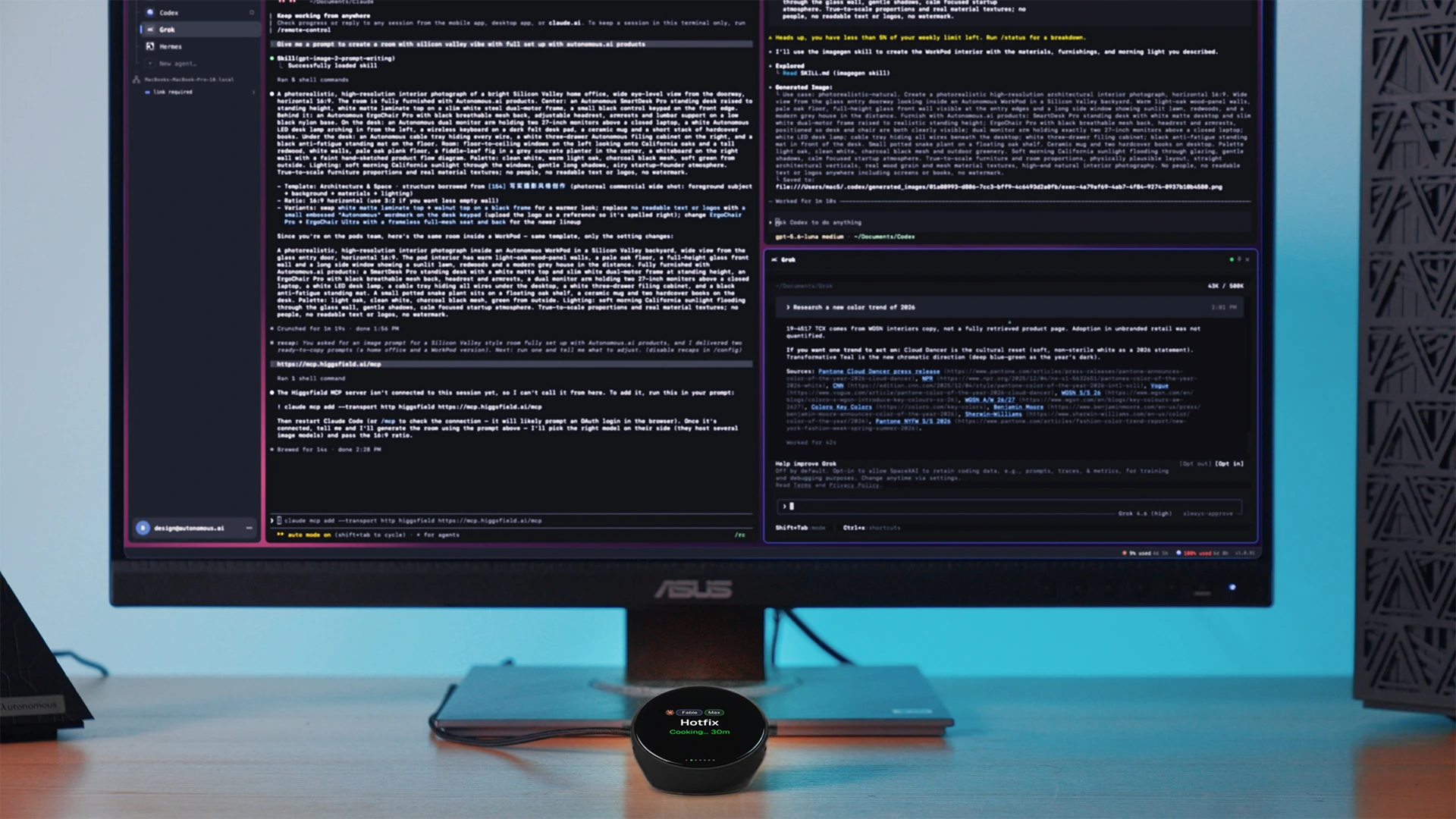
Catenary launched a spatial IDE that links coding agents on one canvas
Catenary launched on Product Hunt on 7 September, a desktop app for macOS, Windows and Linux that coordinates Claude Code, Codex, Cursor, Grok and other coding CLIs on one spatial canvas with visual lines connecting the agents.

Image: Catenary via Product Hunt
Why it mattersA developer running three coding agents in parallel today keeps them in separate terminal windows and copies context by hand, and Catenary is one of the first tools that lets the IDE handle the connections between agents.
Catenary launched on Product Hunt on 7 September, a desktop application that puts multiple AI coding agents on the same infinite canvas with visual lines connecting them. The company describes it as a spatial IDE, and the pitch is that a developer running Claude Code on one branch and Codex on another today switches between terminal windows and copies context between them by hand.
The supported agents listed on the product site are Claude Code, Codex, Cursor, Grok, OpenCode and Pi. Downloads exist for Windows as .exe and .zip, for macOS on Apple Silicon and Intel, and for Linux as .AppImage, .deb and .tar.gz. The site notes that the installer is not code-signed yet, so the OS will block it on first run, and the docs give the two clicks to get past it.
What is on the canvas
Terminals running agent CLIs, Monaco editors, browser previews and parallel git worktrees sit as tiles on an infinite pan-and-zoom canvas. The New Task button on the sidebar creates an isolated branch, its own working directory and its own agent tile in one click, so a developer can start three parallel experiments without touching the code they are working on. Each task gets a colour that follows it through the sidebar and the dock.
Context wires and Maestro mode
The two features that make it a spatial IDE rather than a fancier tab bar are Wires and Maestro. Wires are directed lines drawn between two agent tiles: a developer can connect the output of a lead agent to a helper's input, either as a standing permission or as a relay that sends when the source agent stops producing output. Catenary's product site shows an example where a Claude tile asks a Codex tile to fix an N+1 query and the answer comes back along the connecting line.
Maestro is off by default. A person must click to turn it on, and one agent then chooses, instructs and connects a team of up to five agents, adjustable up to ten. Every action Maestro proposes goes through an editable approval card before anything appears on the canvas, so a person reviews each agent it adds.
Local-first and what it sends
Catenary lists exactly two outbound hosts. It contacts github.com every 15 minutes for a latest.yml update-check file on its public releases, and it contacts thecatenary.app only when a user pastes a licence key, removes one, or claims the trial. The site names each field in the trial payload (an sha-256 machine id, no name, no email, no hostname) and states that the analytics endpoint is empty in the released app and the crash-reporter DSN was removed from the distribution.
The agent CLIs a developer chooses talk to Anthropic, OpenAI or Google with the user's own API keys, or to a local Ollama or LM Studio process. Catenary is not in that path. Turn off the Wi-Fi and the app keeps working, because the Pro key is verified on the device by Ed25519 signature and the seven-day trial is a signed token verified offline.
Source
This item was written by an AI system from the linked source. Reveneau is responsible for what it publishes.
Get AI News in your inbox
New developer tools, model and agent releases, and how teams are actually using them to release software. Short, and only when there is something worth reading.