Image: GitHub
Why it mattersA team that turned Copilot off because of approval prompts now has a middle setting. Enterprise admins keep the risky actions in human hands.
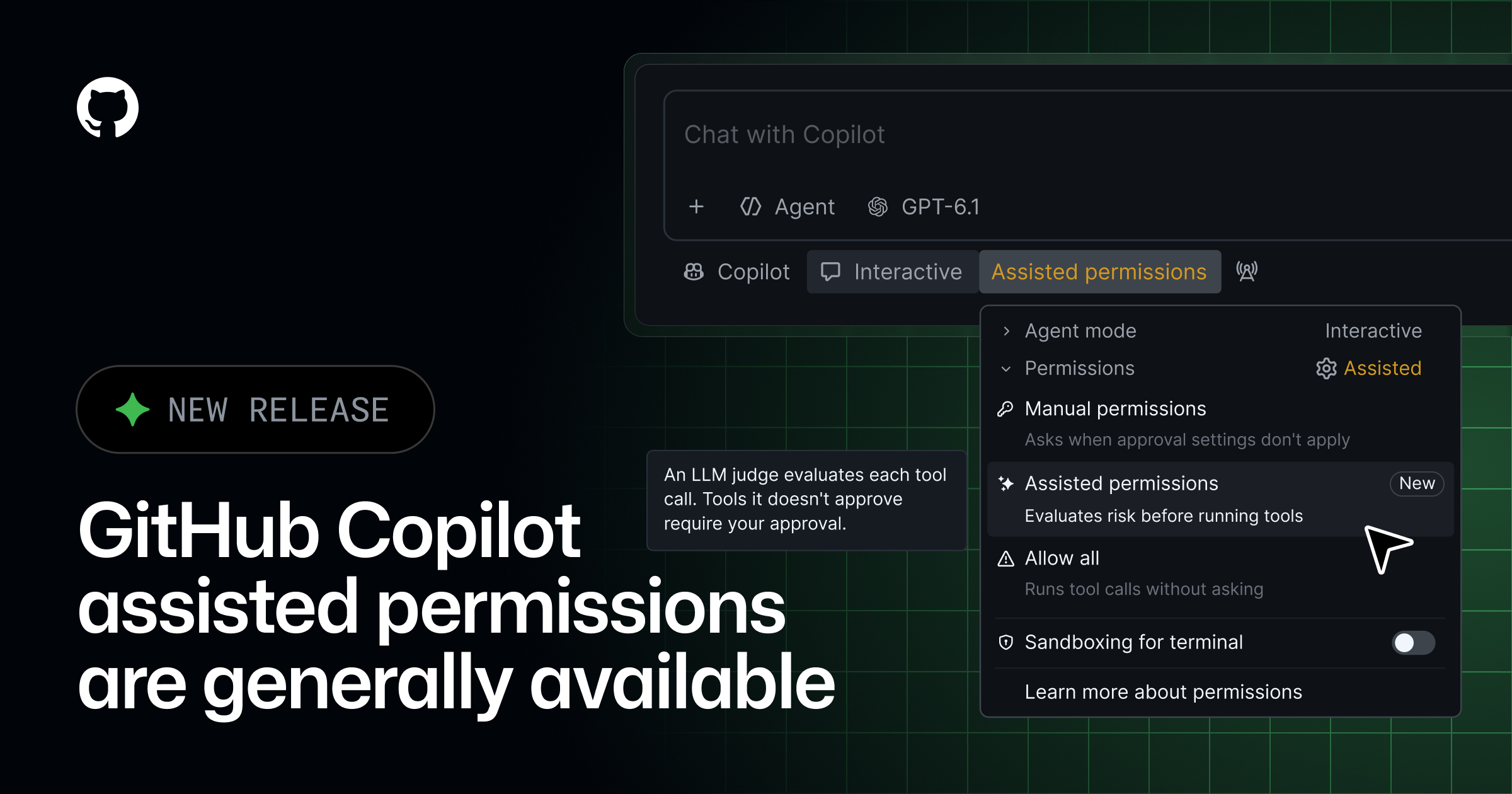
The approval prompt is the part of an agent most developers turn off. It is also the part a security team most wants left on. GitHub says it now has a middle setting. The setting keeps the prompts for anything risky. It skips them for the rest. The feature is called assisted permissions. GitHub says it is generally available in three products. Those are Copilot CLI, the Copilot app and Visual Studio Code.
GitHub describes how it works. Copilot asks for three kinds of permission. One is to run a command. One is to read a file path. One is to open a URL. A large language model reads each request. Requests the model calls clearly safe proceed on their own. Everything else still waits for a human to approve. Where the setting lives differs by product. In Copilot CLI, the developer types /permissions and picks Assisted. In the Copilot app, the mode picker has a Tool permissions option. Assisted is one of the choices there. In Visual Studio Code, the permissions picker exposes the same setting.
What enterprise admins can do
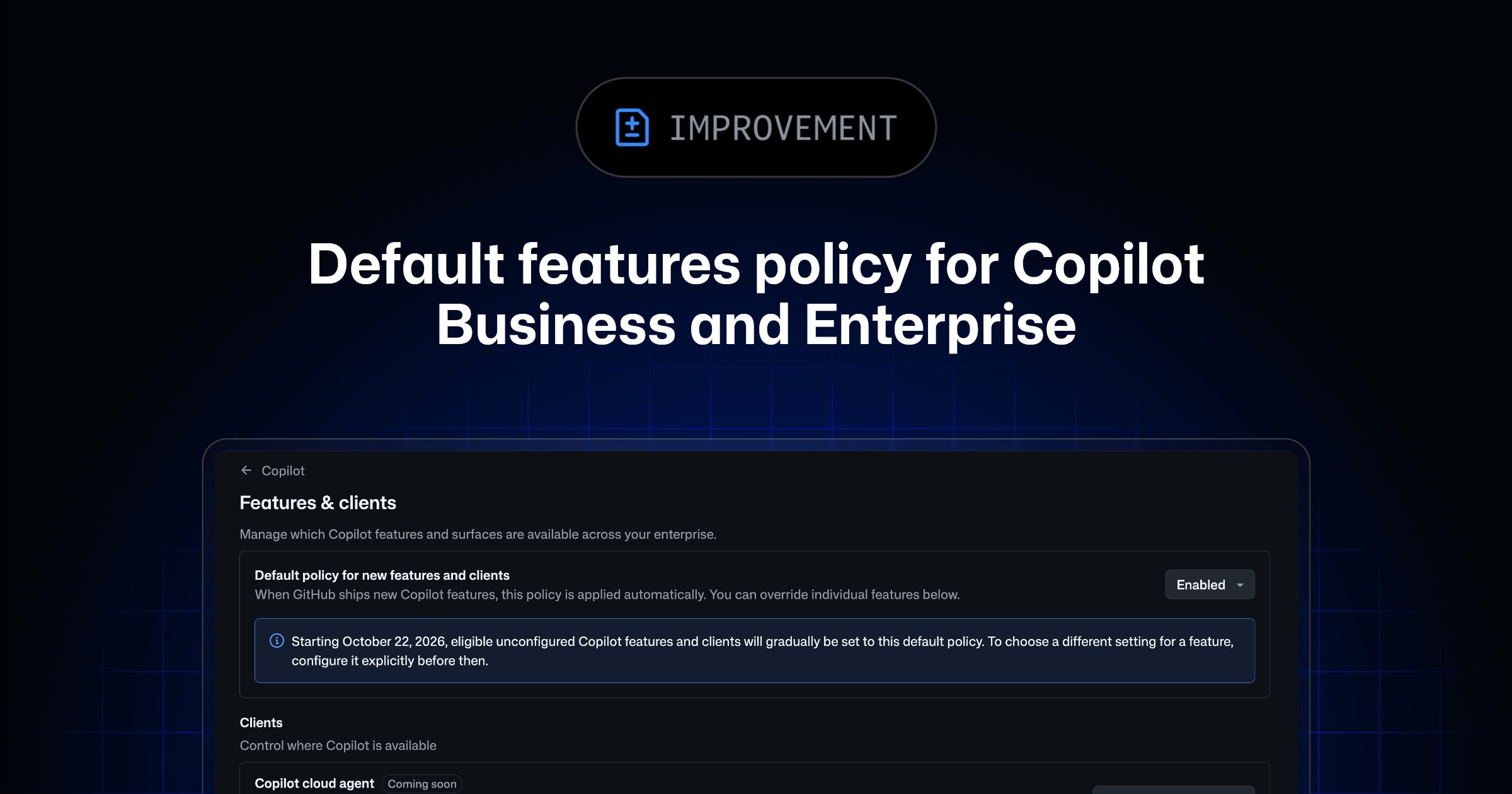
GitHub says enterprise administrators can shape the setting from the top. The managed settings let an admin block Allow All. That mode hands every action to the agent with no prompts. An admin can keep Assisted available as the middle option. An admin can also disable Assisted on its own. That pushes developers back to manual approval. The default permission mode for a new session is admin-controlled too.
A developer can still pick a different mode in a session. The policy has to allow it. If the admin's default is not available in the current context, the session starts in manual approval. The same thing happens if the policy forbids the default. The fallback is the safe one, not the fast one.
Why the three products matter together
Agent-mode Copilot now runs in three places. One is a terminal. One is a stand-alone desktop app. One is inside Visual Studio Code. Until this release, assisted approvals were only generally available in some Copilot surfaces. GitHub says the same setting is now the GA default across these three. That is the surface area most developers use. A team can decide its policy once. The policy then applies in every place a developer calls the agent.
What the model actually decides
The three request kinds the changelog names are the three places an agent most often leaves the sandbox. A shell command can delete files. It can send network traffic. It can write to a shared tool. A file path can be read for secrets. It can be written over work. A URL opened in a browser can start an OAuth flow. It can run code on another service. The model marks each of these as clearly safe or not, in each session. GitHub links to a separate page. That page explains how the model draws the line. It also explains when approval is still required.
Source
This item was written by an AI system from the linked source. Reveneau is responsible for what it publishes.
Get AI News in your inbox
New developer tools, model and agent releases, and how teams are actually using them to release software. Short, and only when there is something worth reading.